See how WeCazza compares with Jobber, Housecall Pro, ZenMaid, ServiceTitan and Launch27 for cleaning companies (residential, commercial and Airbnb turnover) and other home service teams. WeCazza has route suggestions on every plan, team seats included from $33.97/month, and screens in English, Spanish and Portuguese.
Updated November 2026. When a comparison shows another vendor's price, it was checked on that vendor's website on the date shown. Prices change, so check each vendor's website before deciding.
Click to see detailed feature-by-feature comparisons
Full-featured alternative with route suggestions on every plan and team seats included per plan.
Compare NowCompare price per team and languages: WeCazza adds Portuguese to English and Spanish.
Compare NowBuilt for cleaning first, plus other home services. Route suggestions included.
Compare NowA simpler, self-serve option for small and mid-size teams, with public prices and no contract. ServiceTitan asks you to contact them for pricing.
Compare NowCompare booking, scheduling, invoicing and mobile apps for cleaning teams.
Compare NowMost cleaning owners buy software once and live with it for years. Switching later costs time, because jobs and invoice history usually stay in the old app. These questions help you pick the right one the first time, whichever brand you choose.
Some apps charge per user, others sell a block of seats per plan. Write down how many people will log in, including office help, and how many active customers you have. Then price each app for that exact team, not for one user. On WeCazza, Starter is $33.97/month for 2 people and up to 50 customers. Pro is $97/month for up to 10 people with unlimited customers.
If a cleaner cannot read the job notes, the job goes wrong. Ask whether the language option covers everyone, or only the field app. WeCazza shows every screen in English, Spanish and Portuguese, for owners, office staff and crew.
Weekly and biweekly clients are the base of most cleaning companies. During the trial, set up a few real recurring clients. Check that reminders go out and that a skipped week or a holiday is easy to move.
Card fees add up faster than the monthly plan. On WeCazza, each card payment from your customers costs the Stripe fee plus 1%. Ask every vendor for its card rate before you compare totals.
Find out what you can bring and what stays behind. In WeCazza you import your own customer list from a CSV file. Exports from Jobber, Housecall Pro and ServiceTitan are recognized, and other tools work by matching columns. Jobs, recurring schedules, invoices and history are not imported. Our switching guides show the steps.
Check whether the trial needs a card, when the first charge happens and whether there is a contract. WeCazza gives 15 days free with access to everything. A card is required at signup, and there is no charge until day 16. There is no contract, and you can cancel anytime.
Jobber prices its plans by number of users and includes a client portal and online booking. Its mobile app is in Spanish for team members, but not for admins or account owners. The page shows Jobber's listed prices for 5 and 10 users next to WeCazza's cost for 2, 5 and 10 people.
Housecall Pro has three plans with 1, 5 or 8 users included, and online booking on all of them. Zapier and its open API are on the MAX plan. Its app is in English and Spanish. The page compares cost per team, routes, languages and what moves over when you switch.
ZenMaid describes itself as software for maid service owners. WeCazza is built first for residential, commercial and Airbnb turnover cleaning, and also serves other home services. Read this one if you run only house cleaning and want to see how the two differ.
ServiceTitan does not show prices on its pricing page and asks you to contact them. WeCazza is self-serve with public prices. This comparison fits owners of growing teams who want to know if they need a bigger platform yet.
Launch27 presents itself as maid service software. The comparison looks at booking, scheduling, invoicing and mobile apps for cleaning teams.
If one of these is a deal breaker, pick the tool that has it today. If not, try WeCazza for 15 days with your real crew and schedule. See also WeCazza for cleaning businesses and our guide to cleaning business software.
Features that set us apart from every competitor
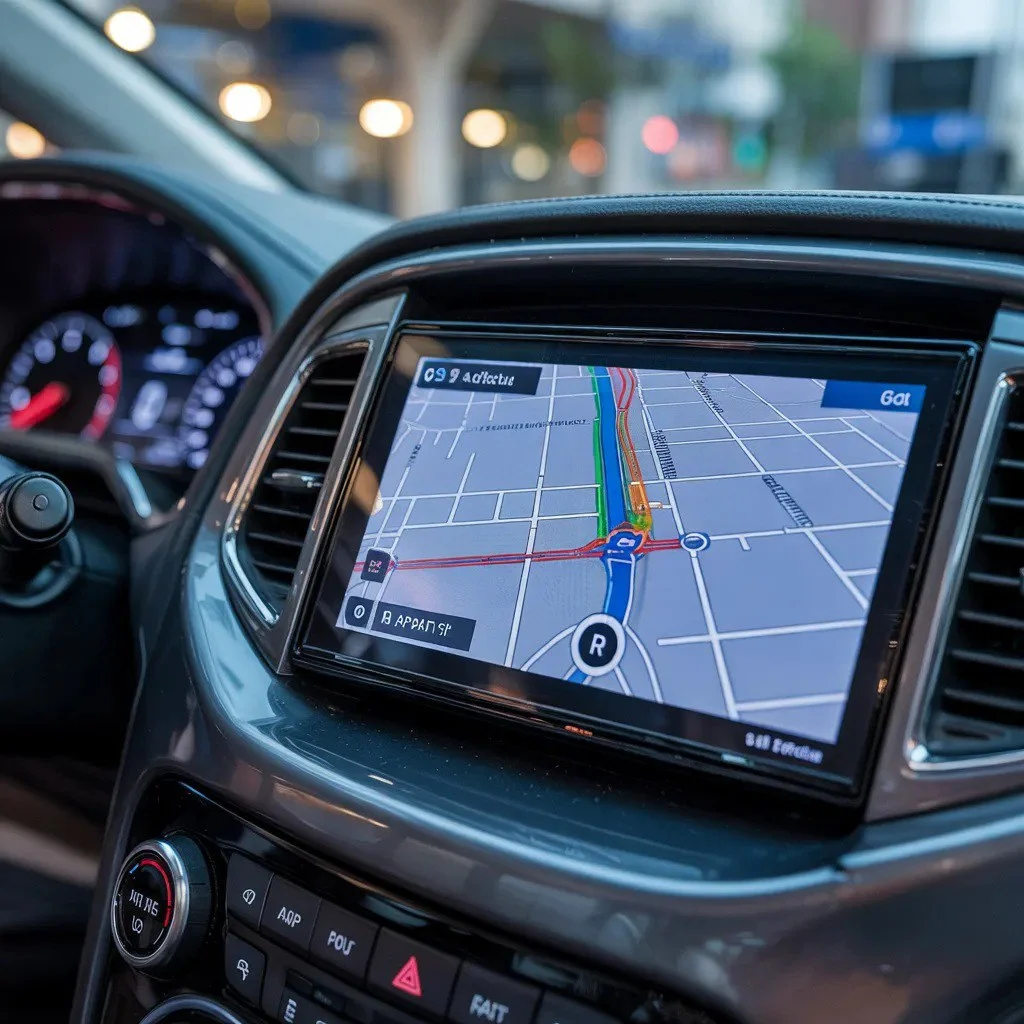
WeCazza suggests a better order of stops on every plan, not as an add-on.

2 on Starter, 10 on Pro, unlimited on Premium. Extra members: $15 (Starter) or $12 (Pro) per month.

English, Portuguese, and Spanish throughout the entire platform

You import your customer list from a CSV file yourself. If you need help, the founder is available for a call. Jobs, invoices and history are not imported yet.
Start your 15-day free trial today. Bring your client list from a CSV file.
Start Free Trial